

Settings
Access
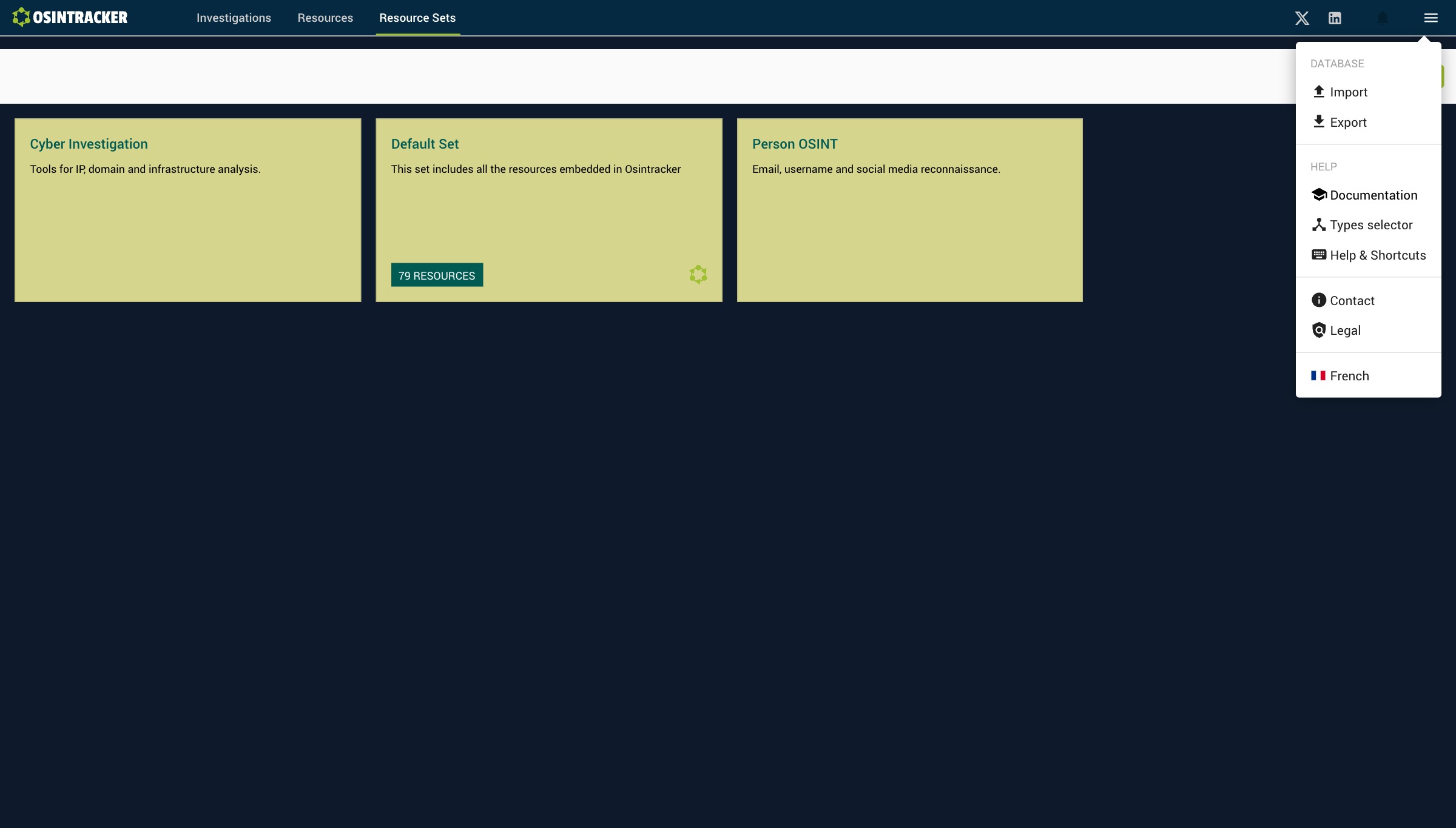
Most options are found in the main menu (hamburger), in the top right of the application.
Connectors
Connectors require no API key. Enrichment is done by importing a JSON file exported from the service — see OSINT connectors.
User preferences
Display preferences (hide labels, hide badges, hide images) are saved between sessions. You don't need to reconfigure them each time you open the application.
Language
Change the interface language from Main menu → Language section:
- English
- French (Français)
Other main menu options
| Option | Description |
|---|---|
| Import a database | Restore from a .osintracker file |
| Export the database | Full export in .osintracker format |
| Documentation | Link to this guide |
| Types selector | Shows the full list of families and types |
| Keyboard shortcuts | List of available shortcuts |
| Contact | Contact information |
| Legal notice | Terms of use |