

Resource library
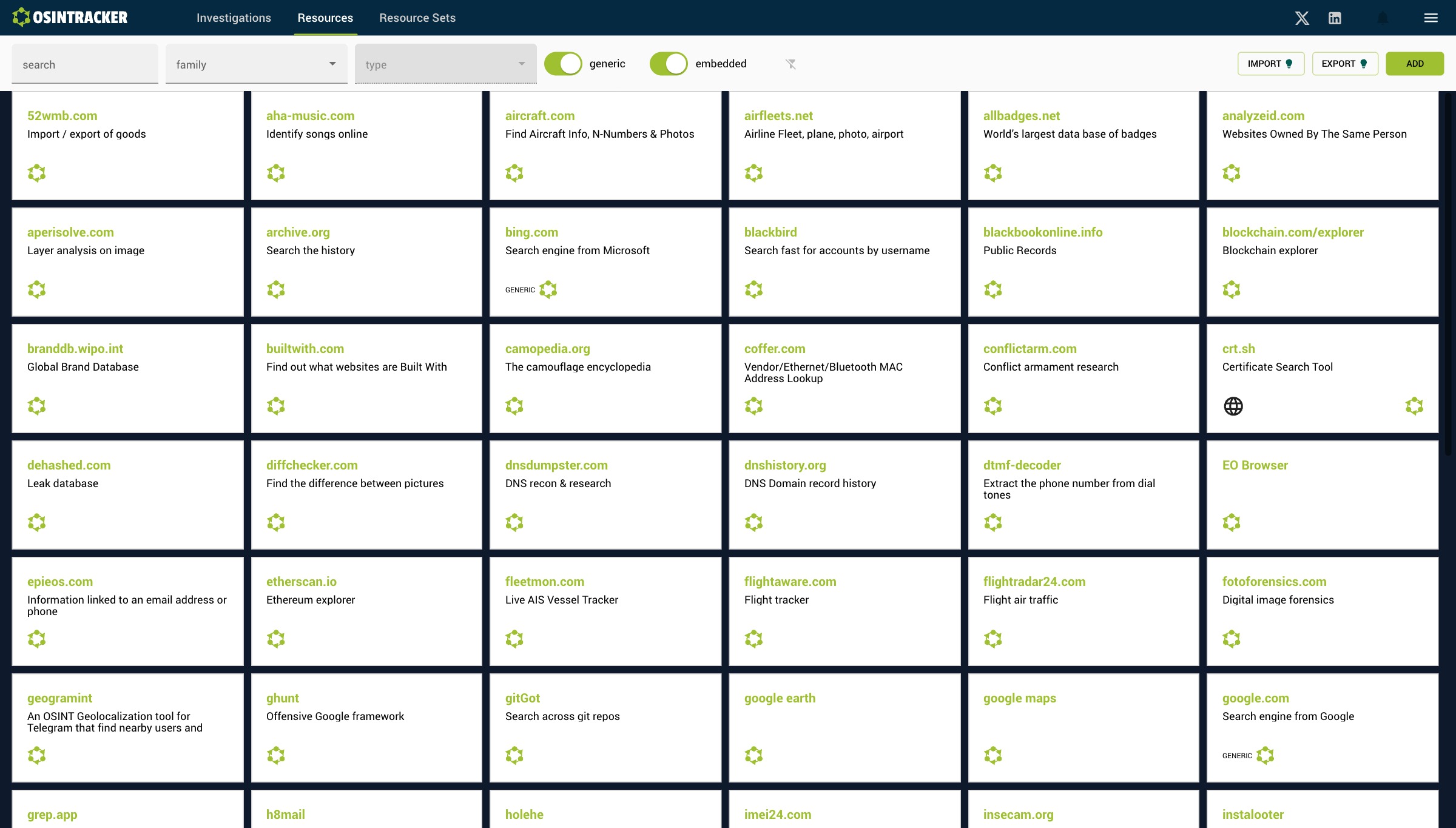
Resources are OSINT tools or services you can use in your investigations. The library gathers both built-in resources (bundled with the app) and custom resources you create.
Access the resources
Click Resources in the navigation bar to show the full library.
Click any resource card to open the tool's website in a new tab. Your custom resources also show an edit (pencil) icon to open the edit form.
Structure of a resource
| Field | Description |
|---|---|
| Name | Name of the tool or service |
| URL | Link to the tool |
| Description | Usage context |
| Entity types | Entity types compatible with this tool |
| Family | Resource category |
Use in an investigation
From an entity's detail panel, the Resources section lists the tools compatible with the entity's type. You can:
- Open the resource URL (with the entity's value pre-filled if the template allows it)
- Mark the progress: status for this entity and this tool (e.g. In progress, Done, Not relevant)
Create a custom resource
From the library, click Add to create your own resource. It will be available across all your investigations.