

Investigations
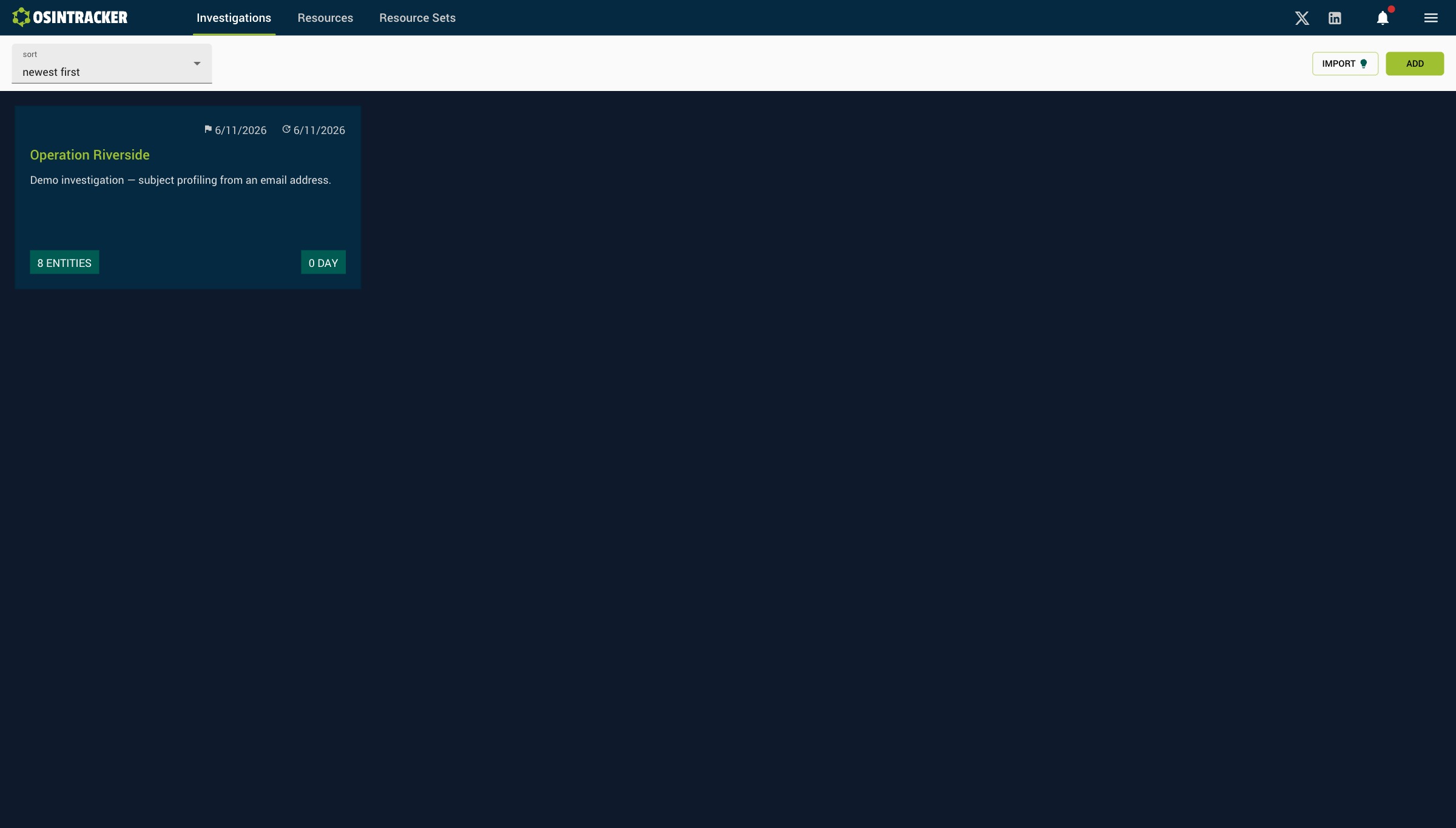
The investigations list
The /investigations page shows all your cases as cards in a grid.
Each card shows:
- Creation date and last modified date
- Name and description of the investigation
- Number of entities (badge at bottom left)
- Number of active days (badge at bottom right)
Click a card to open the investigation.
Create an investigation
Click Add to open the creation form.
| Field | Required | Limit |
|---|---|---|
| Name | Yes | 30 characters |
| Description | No | 150 characters |
| Resource set | Yes | Default: "Default set" |
Import an investigation
Click Import to load a .osintracker file. The import is done by drag & drop or file selection. The imported investigation is added to the list without overwriting existing data.
Duplicate an investigation
From an investigation's context menu, you can duplicate it. A complete copy (entities, relationships, positions) is created.