

Resource sets
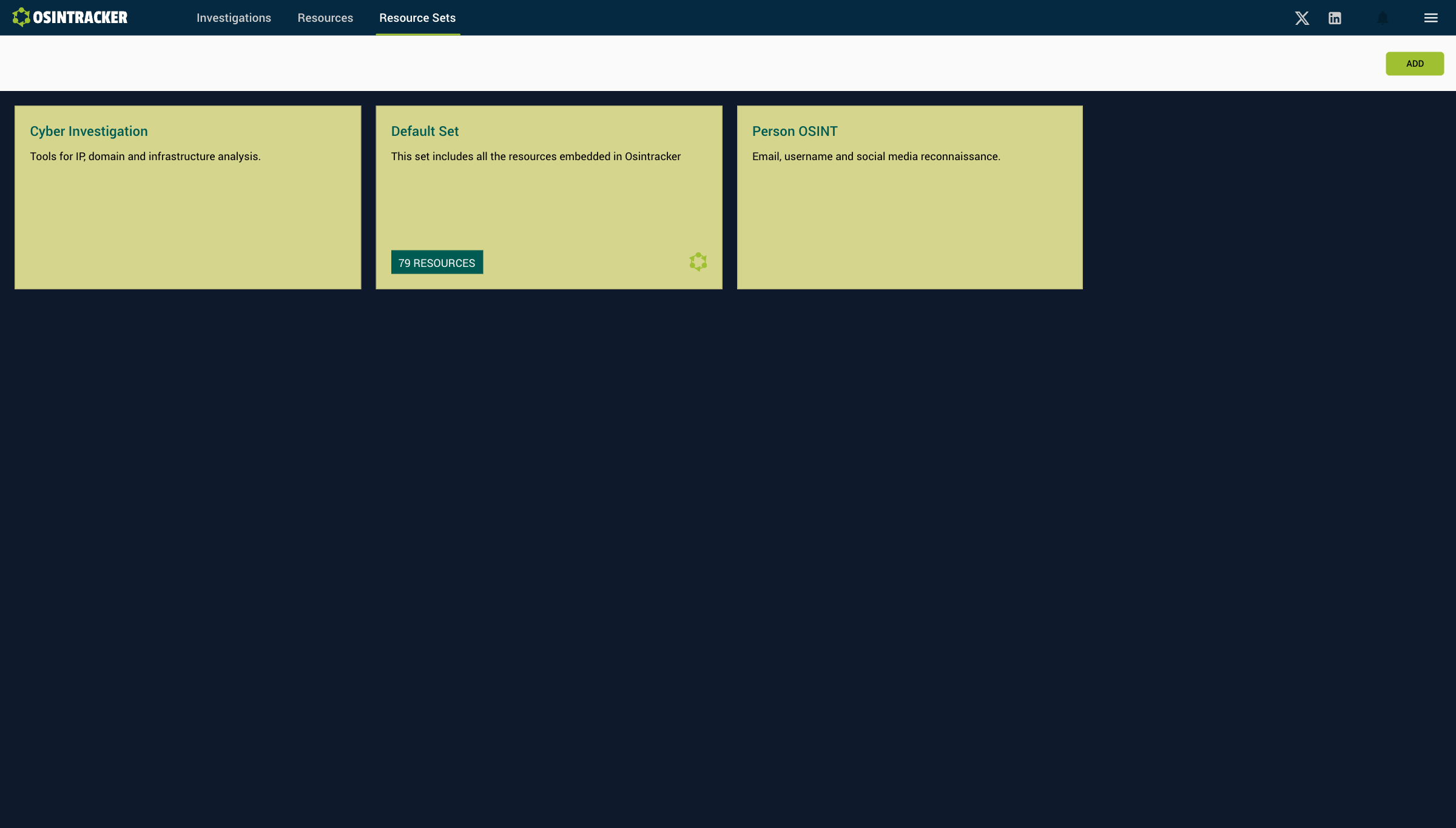
A resource set is a custom grouping of OSINT resources that you associate with an investigation.
What is it for?
Depending on the type of investigation (cybersecurity, journalistic inquiry, financial investigation…), you don't use the same tools. Resource sets let you prepare sets tailored to each context and reuse them.
Access the resource sets
Click Resource sets in the navigation bar.
Create a resource set
- Click Add
- Name the set
- Add the desired resources from the library
Associate a set with an investigation
When creating an investigation, select the resource set from the dropdown menu. You can also change it later from the investigation's information panel.
Default set
A "Default set" is available from the start. It contains a selection of general-purpose OSINT resources. If the set associated with an investigation is deleted, the investigation automatically reverts to the default set.
Example sets
A few sets worth building so the right tools surface in the entity detail panel from the start:
| Set | Typical contents |
|---|---|
| Cyber / infrastructure | Domain, IP, DNS, certificate and breach lookups |
| People & accounts | Username, email and social-profile search tools |
| Financial | Company registries, sanctions lists, crypto explorers |
| Journalistic | Archives, image/reverse-search, geolocation tools |
Curate a set once and reuse it across every case of that kind.
Share a set with your team
Resource sets are built from resources, and resources can be exported and imported as a CSV resource file. To distribute a toolset:
- Build the resources in your library.
- Export them to CSV — see Create a resource file.
- Share the CSV; teammates import it and rebuild the matching set.
This keeps a whole team working from the same vetted tools.
Tips
- Keep sets focused — a short, relevant list beats a long one you scroll past.
- Name sets by case type, not by tool, so the purpose is obvious when creating an investigation.
- Revisit your sets periodically: retire dead tools and add new ones as your workflow evolves.