

Workspace
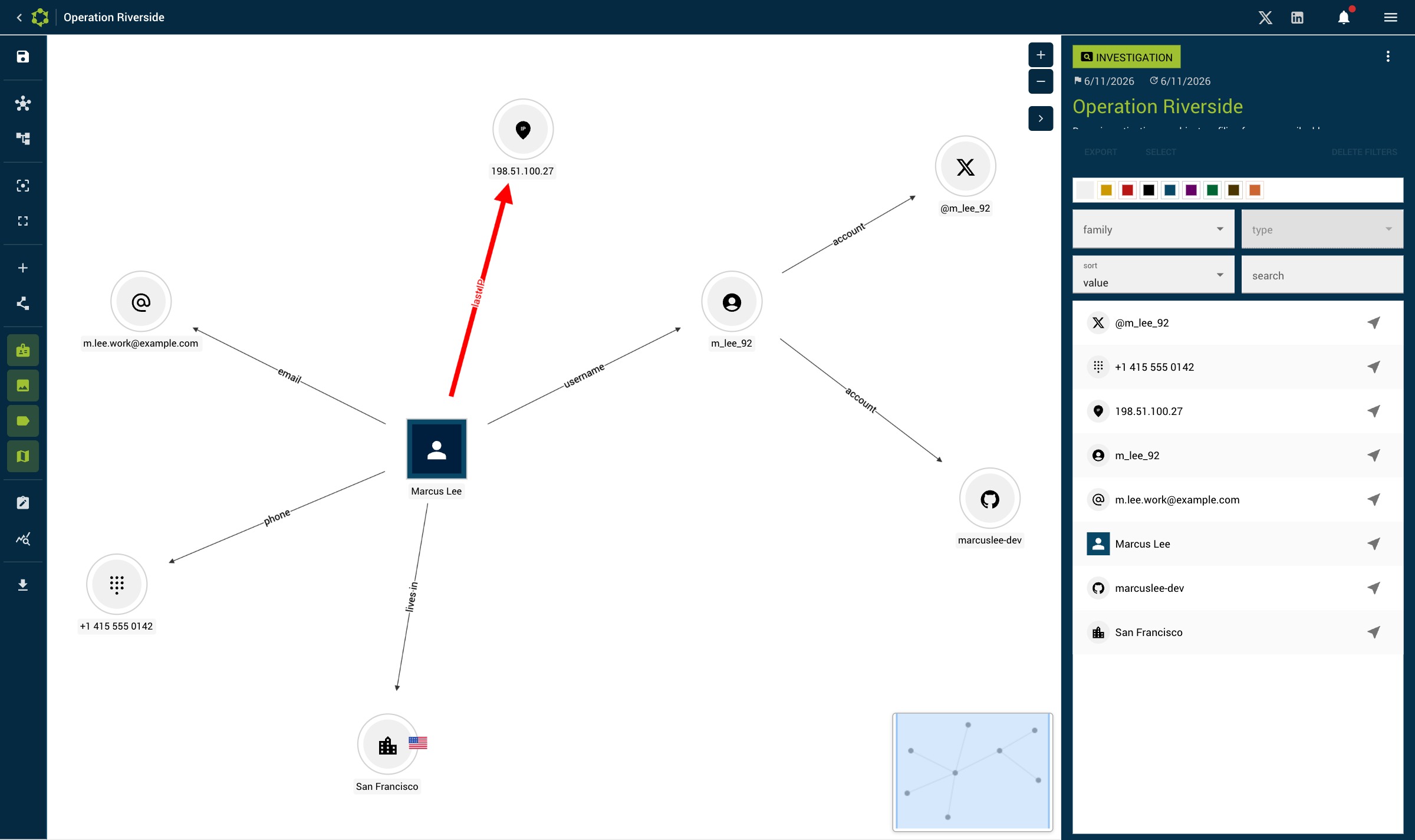
An investigation's workspace is split into two areas:
- Graph area (75% of the width): interactive visualization of entities and relationships
- Right side panel (25% of the width): contextual content depending on the selection
Contextual side panel
| Selection | Panel shown |
|---|---|
| Nothing | Investigation information |
| One entity | Entity detail |
| One relationship | Relationship detail |
| Several elements | Multi-selection panel |
Empty investigation
When an investigation does not yet contain any entity, a central "Add a first entity" button is shown. Click it to open the creation dialog.
Investigation information panel
When no element is selected, the panel shows:
- Name and description of the investigation
- Statistics (number of entities and relationships)
- Associated resource set
- Legend of custom colors
- Actions: edit, export, delete the investigation